#1
#1 out of 333.83%
13h ago
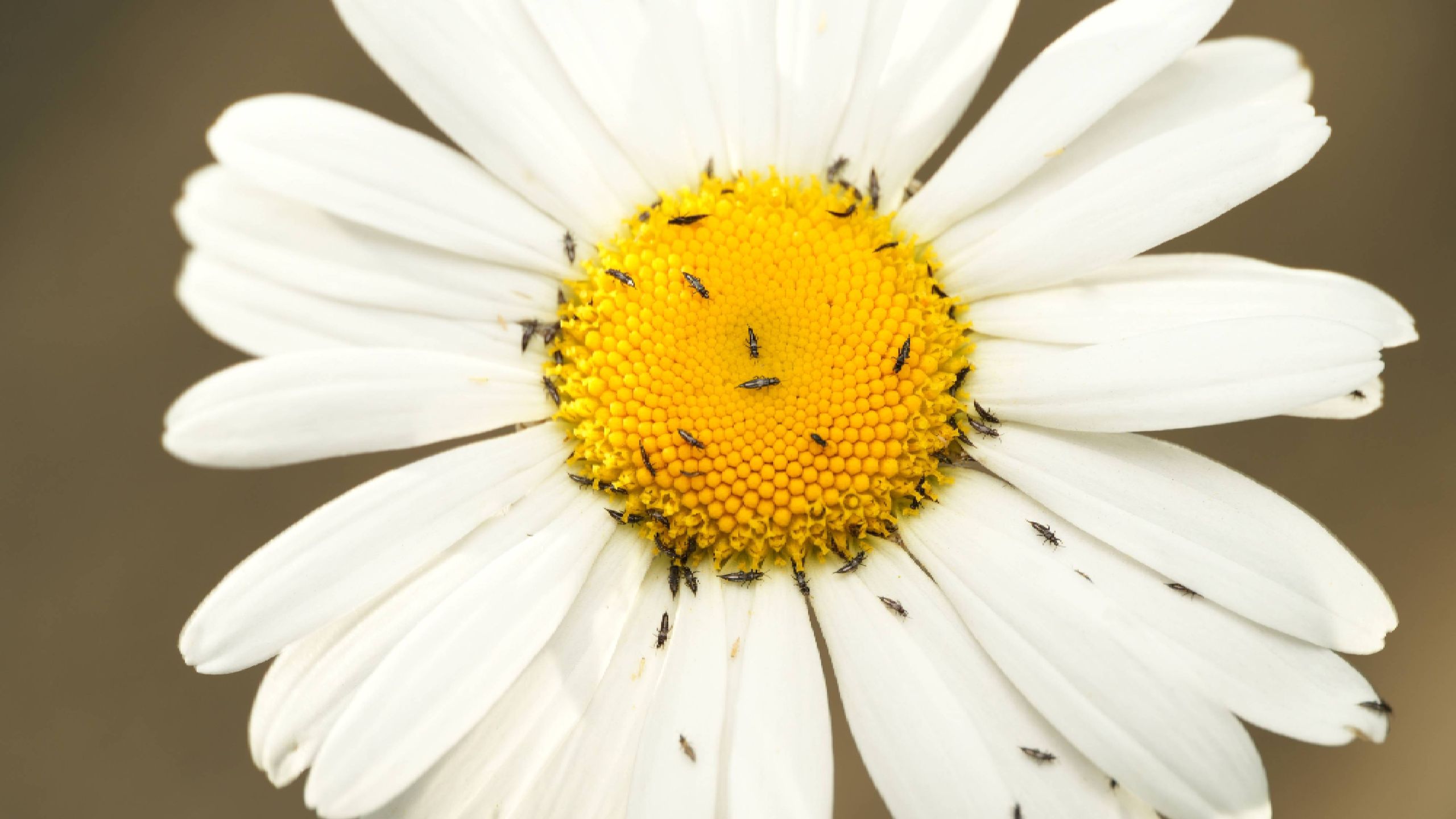
This pest causes the biggest damage to your plants — how to stop thrips
- Thrips, tiny insects under 1mm, cause visible damage by feeding on plant tissue and can spread viruses.
- Early detection is crucial to keeping thrips populations manageable and options open for control.
- Regular plant checks should be performed every few days, focusing on new growth and flowers.
- Manual removal methods include spraying with water or wiping thrips off with a wet towel.
- Encouraging lacewings and pirate bugs helps suppress thrips naturally.
- Insecticidal soap or neem oil can be effective with repeated applications as new thrips emerge.
- Spinosad may be considered for severe thrips, but it can harm beneficial insects and should be used sparingly.
- Indoors, isolate infested houseplants to prevent spread to other plants.
- If a plant shows tomato spotted wilt virus symptoms, remove and discard it to prevent spread.
- Yellow sticky cards near plants can alert you to thrips infestations early.
Vote 0