#1
#1 out of 30.00%
1d ago
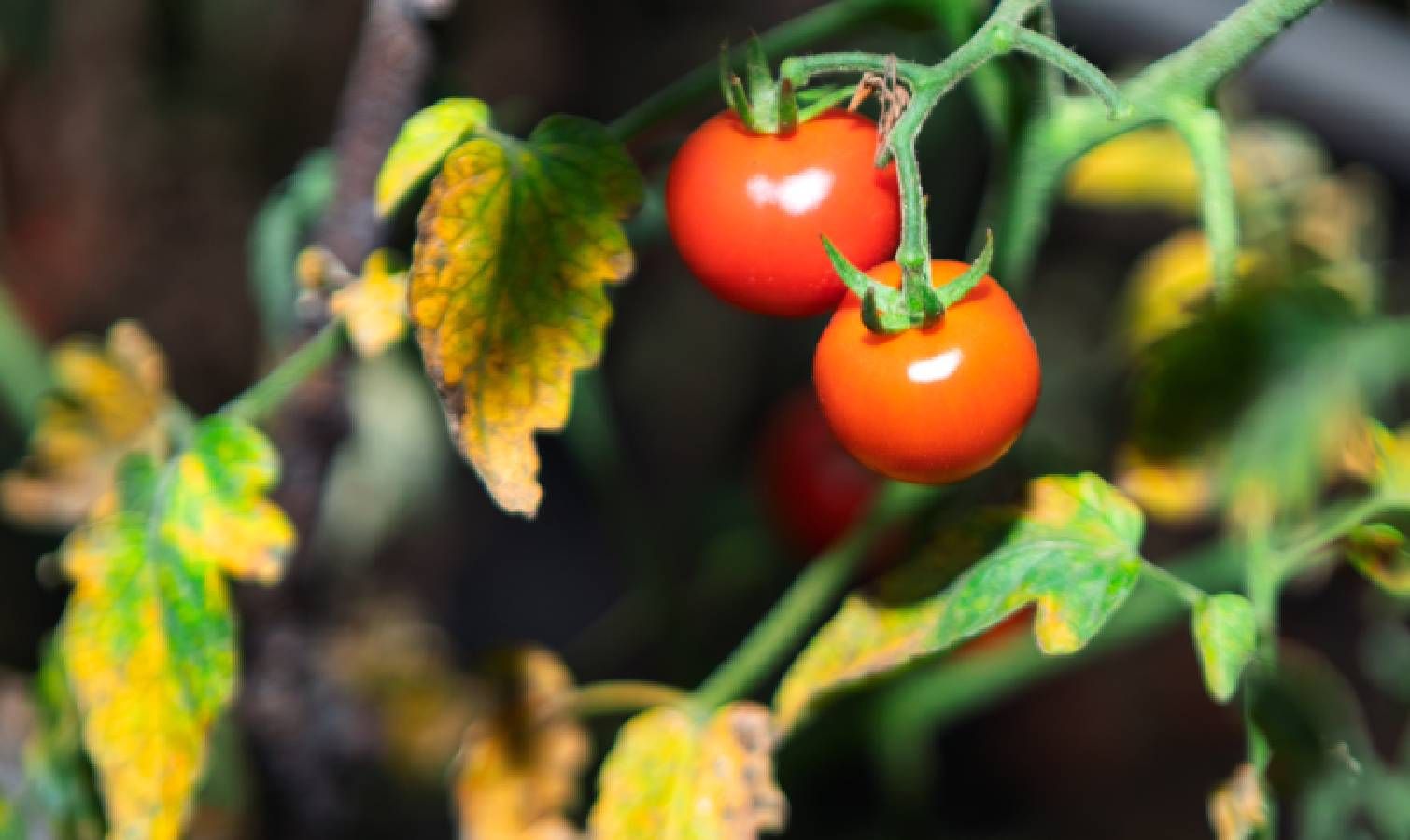
Why are my tomato plant leaves turning yellow? 5 steps to save your harvest
- Latest: Yellowing tomato leaves signal problems beyond normal aging and require fixes.
- Cause 1: Nitrogen deficiency, common in heavy feeders like tomatoes, pulls nitrogen from older leaves.
- Fix 1: Use liquid fertilizer for fast nutrient uptake either to soil or foliage.
- Cause 2: Overwatering or inconsistent watering suffocates roots and hinders nutrient absorption.
- Fix 2: Water deeply every 5–7 days and check soil moisture before watering.
- Cause 3: Pest damage from aphids, spider mites, and whiteflies can cause yellowing and leaf damage.
- Fix 3: Regularly inspect for pests and use insecticidal soap if needed.
- Cause 4: Disease or fungal infection can cause top-down yellowing with spots or wilting.
- Fix 4: Remove infected leaves promptly and improve air circulation to prevent spread.
- Cause 5: Insufficient sunlight reduces photosynthesis, causing weak growth and yellowing.
- Fix 5: Move container plants to sunnier spots and ensure adequate light exposure.
Vote 0