#1
#1 out of 1
technology6h ago
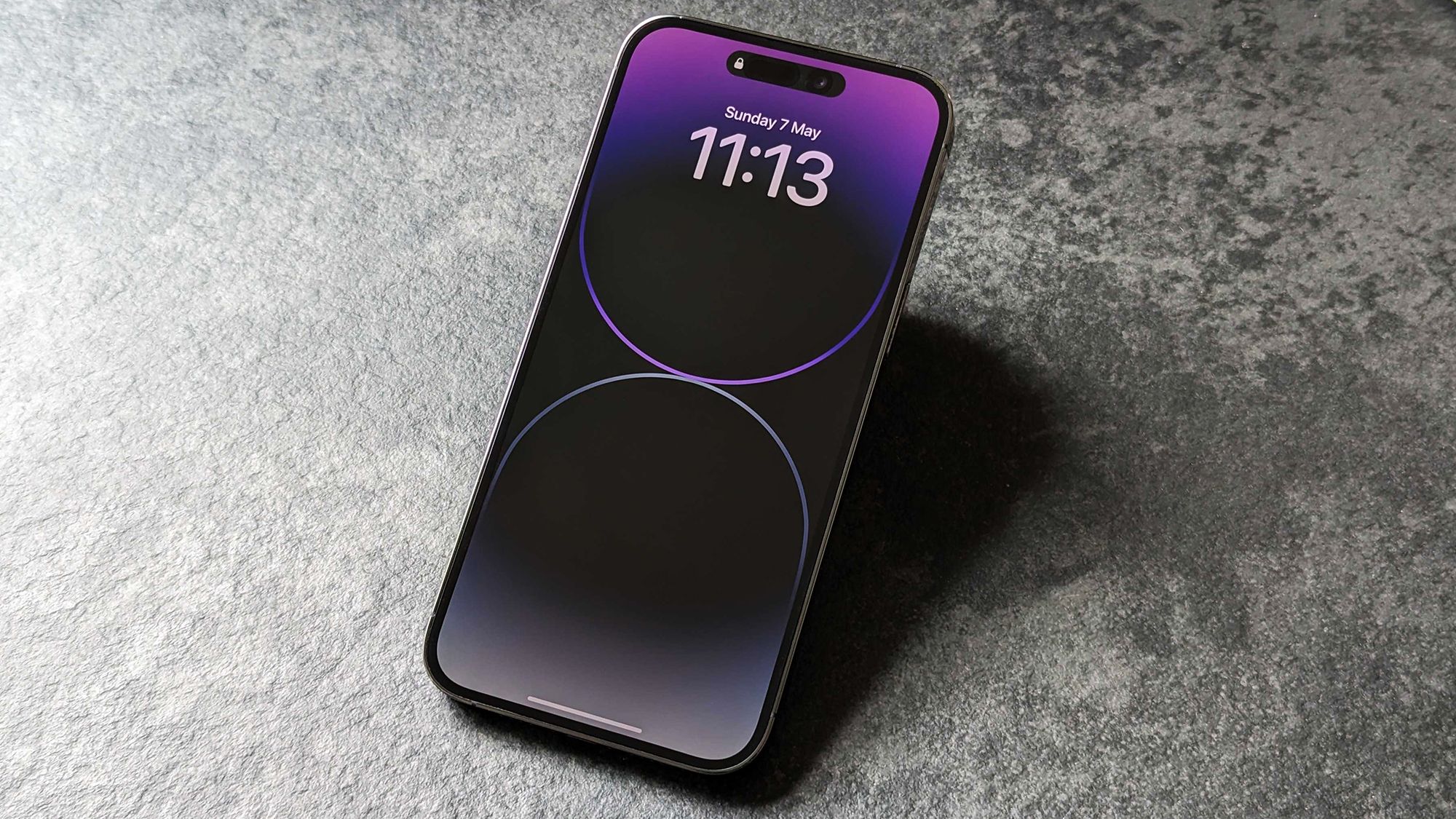
I prioritize battery life – and that’s why I keep this major iPhone feature turned off
- The author disables the iPhone's always-on display to save battery life and reduce distractions.
- Tests cited suggest the feature can consume roughly 0.6% to 0.8% of battery per hour depending on wallpaper.
- The writer prefers using an Apple Watch for quick time and notification checks instead of the iPhone's always-on display.
- The article offers step-by-step instructions to turn off the always-on display on iPhone.
- The author mentions alternative battery-saving tips beyond turning off the feature, such as lowering brightness and enabling Low Power Mode.
- The piece notes the always-on display may be useful for some users, but the author does not find it essential.
- If readers share similar concerns, the article suggests turning off Always On Display and experimenting with customization options.
- The article frames the decision as a personal trade-off rather than a universal critique of the feature.
- The author references other devices like smartwatches as alternatives for glanceable information.
- The article provides a straightforward workaround to disable the always-on display via Settings.
- The piece highlights that even with Always On Display off, users can customize display settings to achieve a middle ground.
Vote 0