Your Followed Topics

Top 6 hostinger News Today

#1
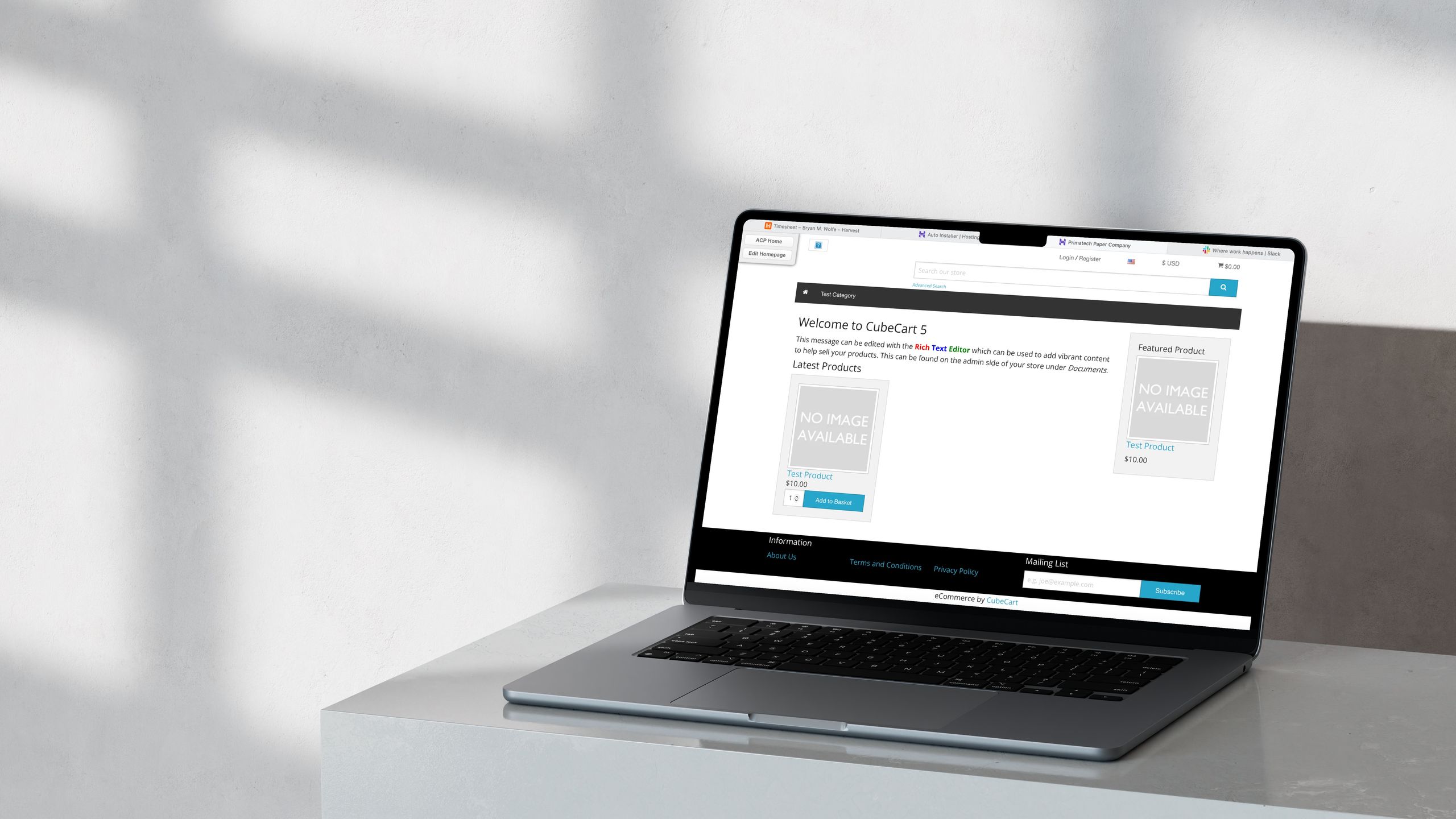
I wanted an online store, so I turned to the CubeCart open-source solution
#1 out of 667.19%

I wanted an online store, so I turned to the CubeCart open-source solution

  • CubeCart is presented as a free, open-source e-commerce solution with no licensing keys required.
  • The platform includes product, order, and customer management with robust reporting features.
  • CubeCart supports multi-language and multi-currency for global commerce.
  • Security features include SSL encryption and multiple payment gateways.
  • CubeCart can be self-hosted or run via official optimized hosting solutions.
  • Hostinger is highlighted as a practical hosting option with auto-installer support for CubeCart.
  • CubeCart’s admin interface aims to simplify management for both beginners and experts.
  • CubeCart supports add-ons and plugins to extend store functionality.
  • The article offers a practical setup example using a subdirectory for CubeCart on Hostinger.
  • The piece positions CubeCart as a viable option for small to mid-sized shops.
Vote 0
0
#2
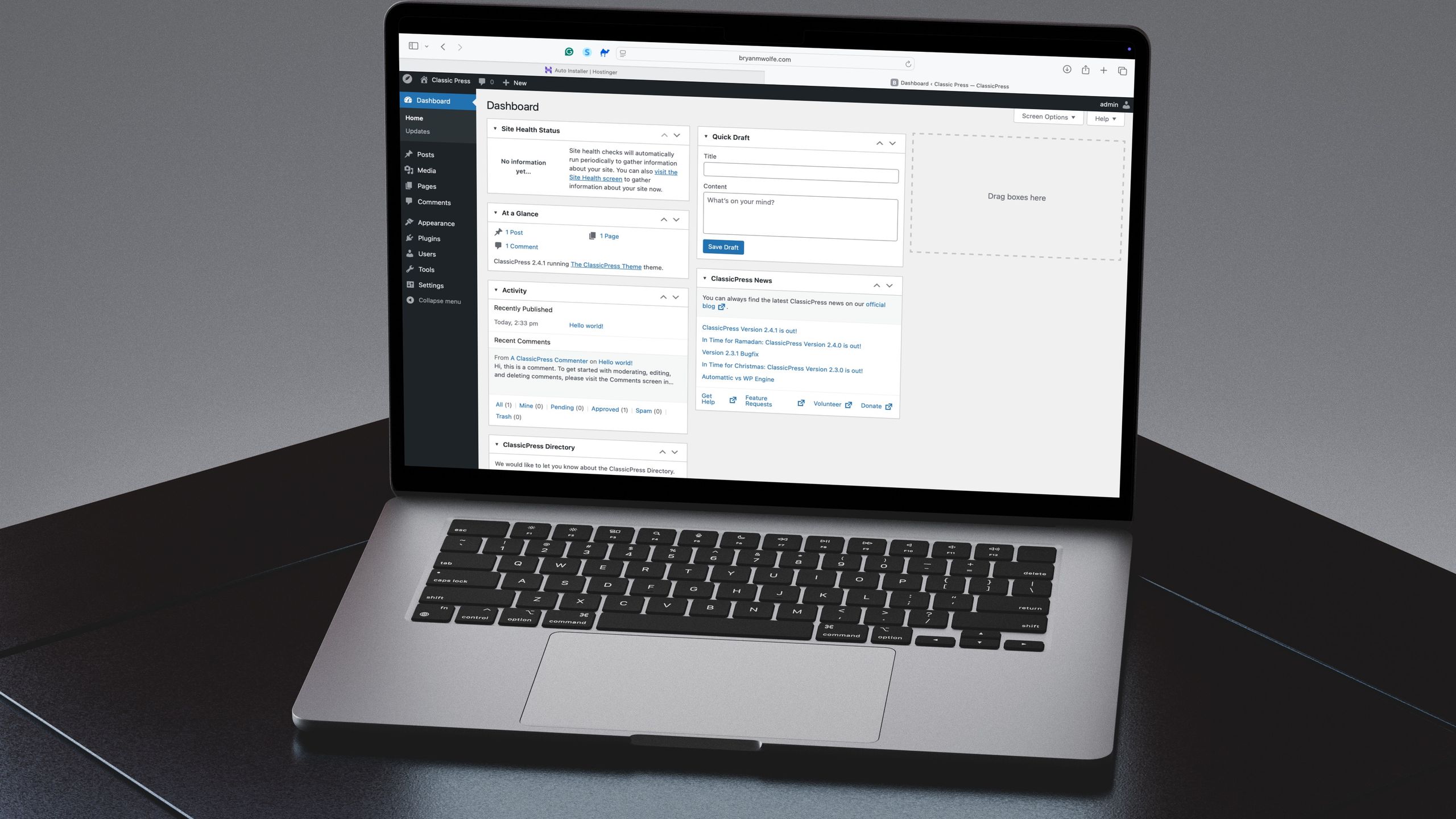
I took an easier route to create my new website, and so should you
#2 out of 6

I took an easier route to create my new website, and so should you

  • TechRadar endorses a simpler route to launching a new website and urges readers to consider it.
  • ClassicPress is presented as a stable WordPress alternative focused on classic editing features.
  • The guide includes installation steps for ClassicPress, comparable to WordPress setup.
  • Hostinger Auto Installer is described as a tool to facilitate ClassicPress installation.
  • The article provides a practical view of WordPress changes and a move toward ClassicPress.
Vote 0
0
#3
With WonderCMS, I was able to get my business online in just a few steps
#3 out of 6
technology23h ago

With WonderCMS, I was able to get my business online in just a few steps

  • TechRadar reviews WonderCMS as a fast, minimal CMS that uses a flat-file architecture to store content in JSON.
  • The article praises WonderCMS for its speed, portability, and easy deployment across environments.
  • WonderCMS is recommended for basic sites like blogs and small business pages due to its tiny size and high performance.
  • The piece notes WonderCMS’s small footprint, claiming it can run efficiently on constrained hosting resources.
  • Installation options include manual FTP and Hostinger’s auto-installer with subdirectory setup guidance.
  • The article highlights inline WYSIWYG editing for front-end content changes without backend access.
  • The piece acknowledges WonderCMS’s limitations for complex e-commerce or dynamic applications.
  • Hostinger’s auto-installer is described as simplifying the setup process with subdirectory separation.
  • The article notes WonderCMS’s portability as a key advantage for developers.
  • WonderCMS supports themes and plugins while keeping simplicity and expandability in balance.
Vote 0
0
#4
For easy CMS installation, here's a free option to consider — Concrete CMS is an impressive, open-source solution for your business
#4 out of 6
technology21h ago

For easy CMS installation, here's a free option to consider — Concrete CMS is an impressive, open-source solution for your business

  • TechRadar says Concrete CMS is strong on security and performance, with built-in access controls and regular updates.
  • The article highlights a drag-and-drop UI and mobile-first design as key usability strengths.
  • A robust community and marketplace for themes and add-ons boost Concrete CMS extensibility.
  • The piece notes Concrete CMS’s SEO-friendly features for clean URLs, meta tags, and sitemaps.
  • TechRadar describes concrete CMS as suitable for both developers and business owners seeking control with user-friendly editing.
  • Installation guidance in the article shows an easy method via hosting auto-installer options like Hostinger.
  • The article emphasizes ongoing security, backups, and password policies as essential for Concrete CMS.
  • Concrete CMS supports mobile-friendly layouts and responsive design for diverse devices.
  • The article positions Concrete CMS as a flexible solution for various users, from developers to business owners.
Vote 0
0
#5
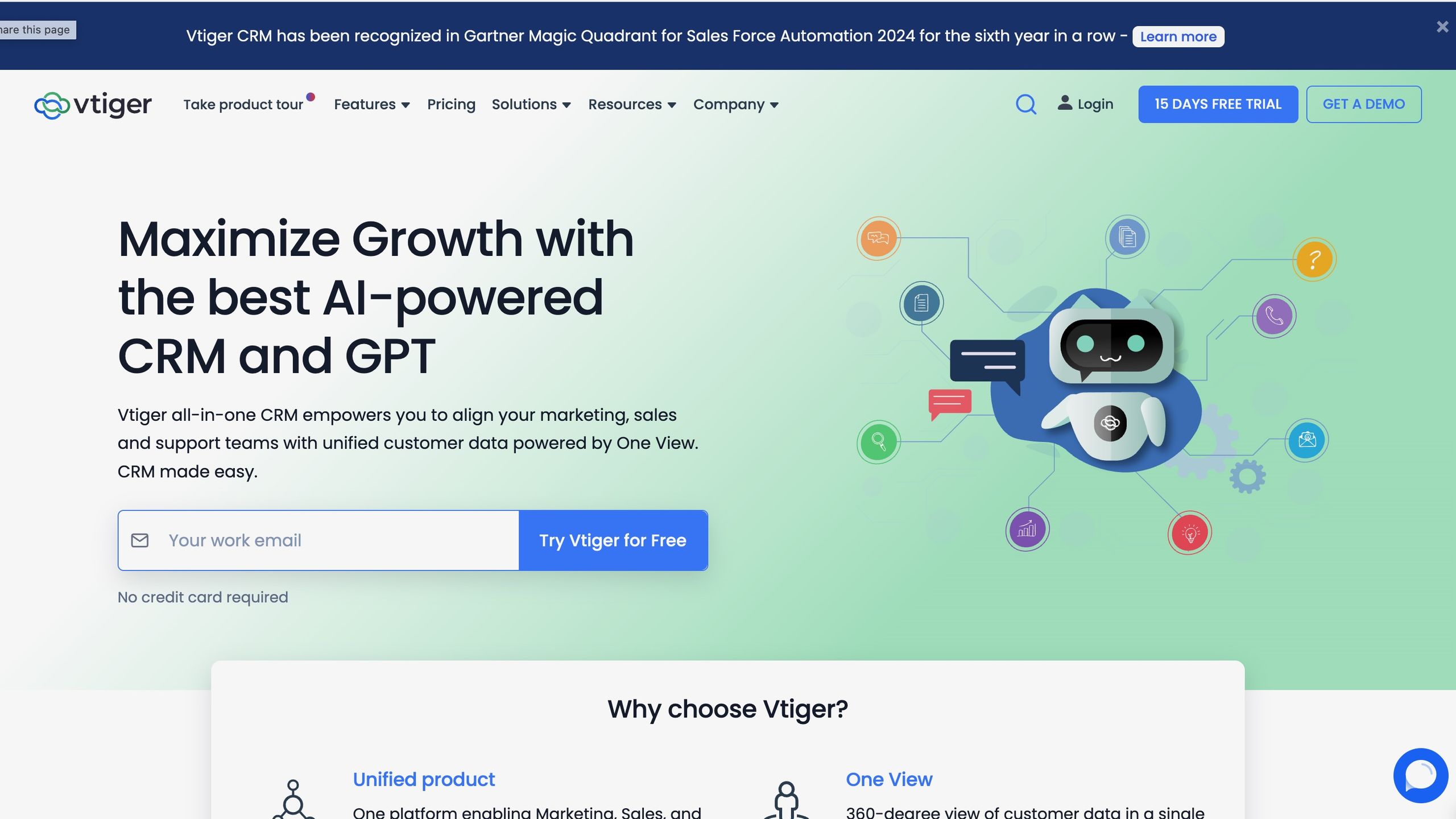
How to install and run the Vtiger CRM system for your website
#5 out of 6

How to install and run the Vtiger CRM system for your website

  • TechRadar explains why small businesses benefit from Vtiger and summarizes its core CRM features.
  • The article details server readiness, including PHP and MySQL versions, for Vtiger deployment.
  • The guide explains setting up a database and configuring the web server for the Vtiger installation.
  • Hostinger’s auto-install tool is presented as an easy way to install Vtiger.
  • The article provides step-by-step Hostinger setup, including subdirectory installation for Vtiger.
  • Post-install steps include configuring modules and user permissions within Vtiger.
  • The guide outlines considering existing data import via CSV for Vtiger.
  • The article places Vtiger in context with related CRM and hosting guidance.
  • Reader engagement prompts appear, including subscription and account prompts.
  • The article explains the modular setup options within Vtiger like Sales Automation and Help Desk.
  • The article notes the option to install Vtiger on both Linux and Windows servers.
Vote 0
0
#6
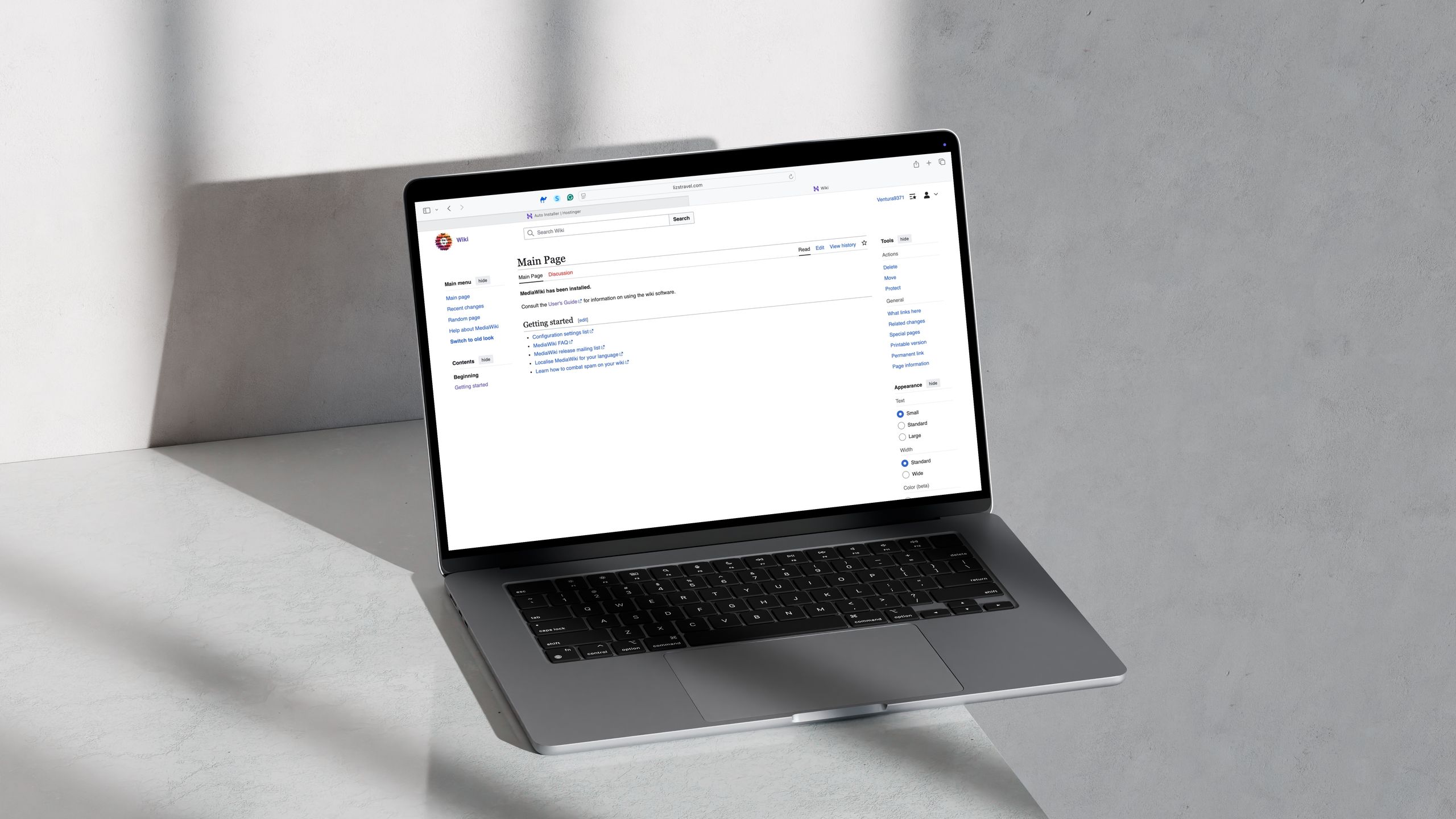
How to use MediaWiki to create and run your own Wiki page
#6 out of 6

How to use MediaWiki to create and run your own Wiki page

  • MediaWiki is an open-source platform powering Wikipedia and many wikis worldwide.
  • The article notes MediaWiki supports multilingual content and extensive extensions.
  • Installation can be done on a server or via hosting services with various databases.
  • The guide highlights Hostinger's auto-installer as a quick deployment path for MediaWiki.
  • A recommended setup involves creating a subdirectory and a new database during installation.
  • MediaWiki's revision control and templating help maintain consistent content across pages.
  • The article positions MediaWiki as suitable for both internal and public knowledge repositories.
  • Extensions broaden MediaWiki capabilities for editing tools and administration.
  • The piece emphasizes building a knowledge hub with collaboration features and versioning.
  • The article frames MediaWiki as a robust, community-supported solution for knowledge management.
Vote 0
0

Explore Your Interests

Unlimited Access
Personalized Feed
Full Experience
or
By continuing, you agree to the Privacy Policy.. You also agree to receive our newsletters, you can opt-out any time.

Explore Your Interests

Create an account and enjoy content that interests you with your personalized feed

Unlimited Access
Personalized Feed
Full Experience
or
By continuing, you agree to the Privacy Policy.. You also agree to receive our newsletters, you can opt-out any time.

Advertisement

Advertisement