#1
#1 out of 1
technology1d ago
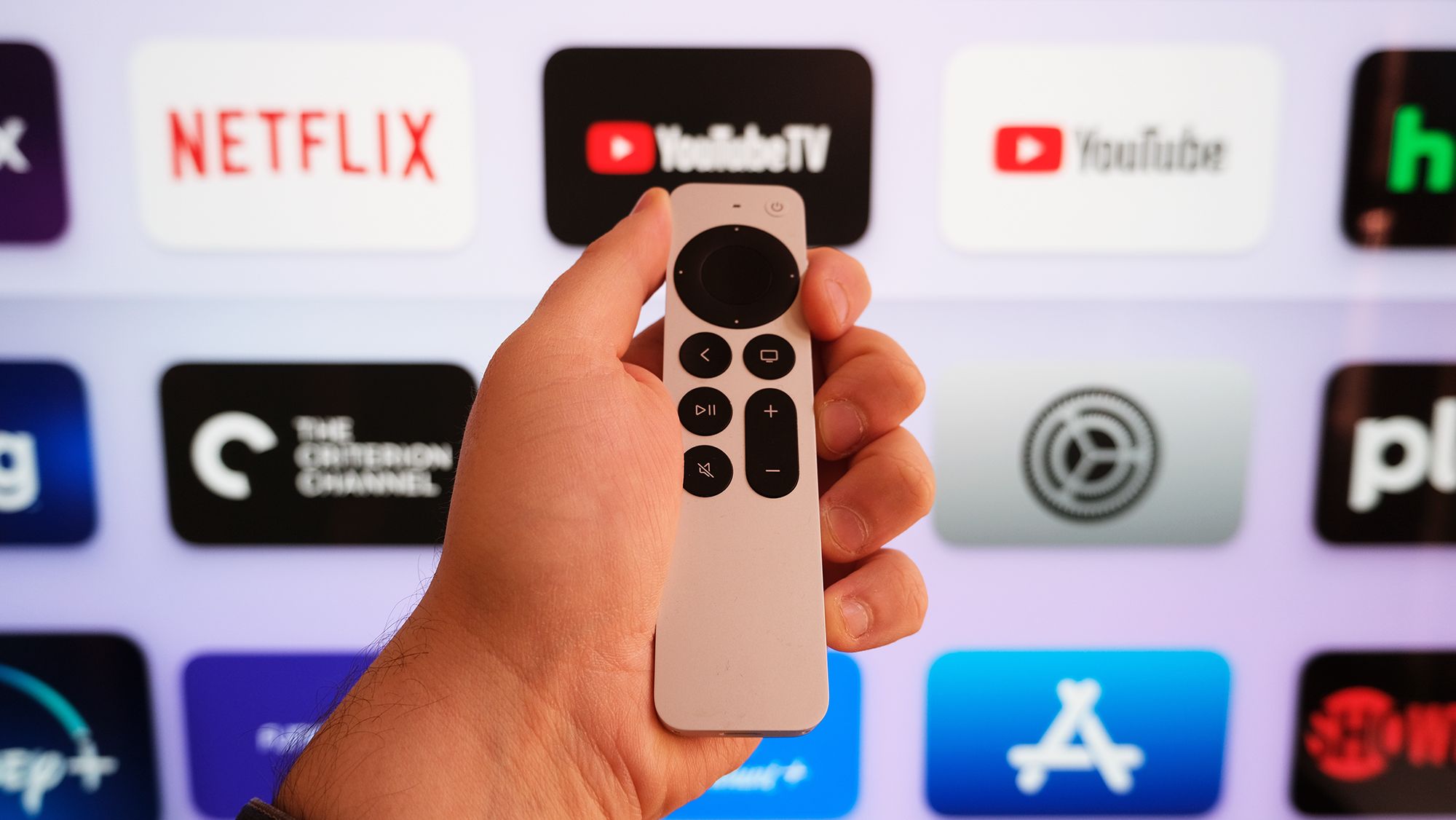
I found 5 hidden shortcuts for my Apple TV 4K that make it so much easier to use — here's how to use them
- Five practical shortcuts let Apple TV 4K users navigate more quickly and avoid menu-diving frustra tion.
- Set the Home Screen shortcut by changing the TV button to return home instead of opening the Apple TV app.
- Create app folders to reduce clutter and quickly access your most-used programs.
- Switch the top shelf to Continue Watching for quick resume of watched content.
- Use the iPhone or iPad as a keyboard to simplify text entry on Apple TV 4K.
- Enable Control Center from the remote for quick access to settings and controls.
- The article emphasizes practical navigation rather than focusing on picture quality.
- The guide promises five concrete techniques to streamline daily use of Apple TV 4K.
- The piece is authored by Tom's Guide with practical, step-by-step instructions.
- The article includes user-friendly tips suitable for most Apple TV 4K owners.
Vote 0